
Exercise caution when charging your phone in public places or borrowing a charger from someone -- you might get hacked.
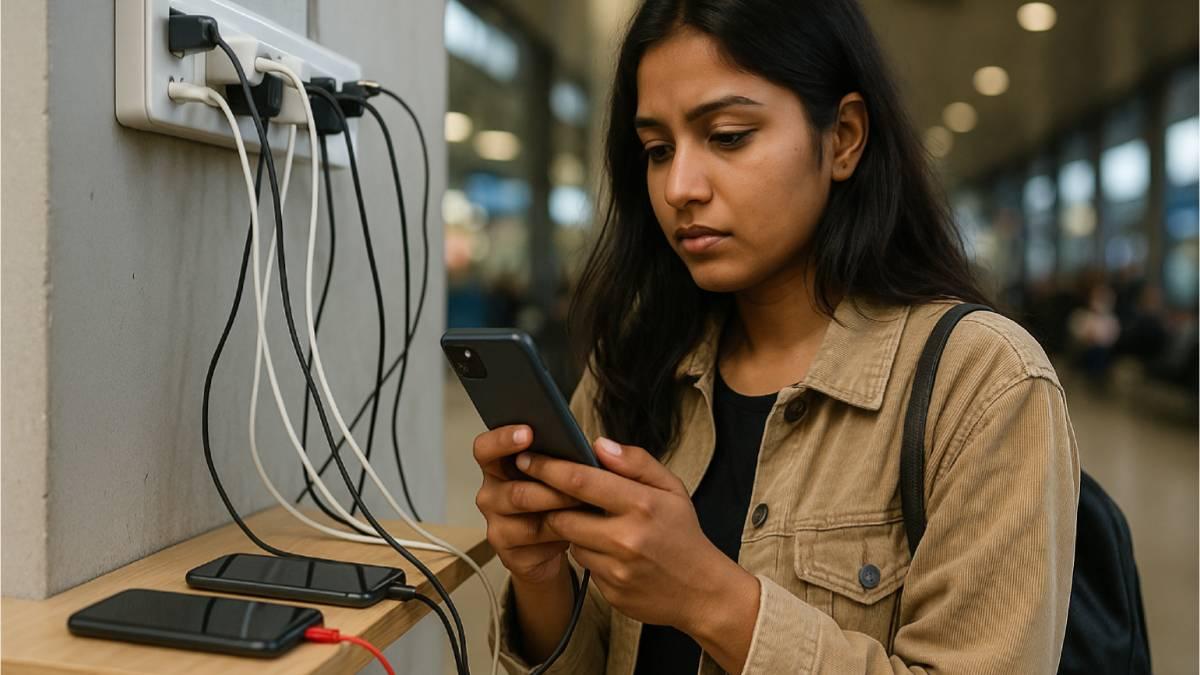
Do you charge your phone at airports, cafes, train stations or even on public transport?
Be cautious -- the simple act of plugging in could open a backdoor for hackers.
As charging technology becomes faster and more universal, it's turning into a playground for cybercriminals.
Have you heard of threats like Juice Jacking, Cable Sniffing, Port Poisoning, Chargeware and Power Drain Attacks? These are the new risks behind every USB port.
Let's decode what each of these terms means, how they can affect you and what you can do to stay safe.
Juice jacking: When charging becomes a data leak
Juice jacking happens when you connect your phone to a compromised public charging port -- usually via USB.
As you may know, while your device is being charged, the same cable can also transfer data simultaneously.
A manipulated port can silently copy files, steal passwords or even install spyware.
How to stay safe
Cable sniffing: When the charger is the spy
Cable sniffing involves malicious cables that look perfectly normal but are fitted with tiny electronic components.
Once connected, they can send keystrokes, record data or remotely access your device.
Researchers have demonstrated spy cables that transmit stolen data wirelessly to nearby devices.
For example, the O.MG cable is a USB-type cable that looks like a standard charging or data cable (Lightning, USB-C, USB-A, etc.) but is embedded with additional hardware -- a microcontroller and Wi-Fi-capable implant hidden inside the connector casing.
So remember, even a familiar-looking cable borrowed from someone could be compromised.
How to stay safe
Port poisoning: When ports turn against you
Port poisoning refers to malware that spreads through physical connectors such as USB-C or HDMI ports.
Once connected, an infected port can modify files or inject malicious code into your device.
This type of malware can corrupt data, spread between devices or alter firmware. It can, at times, even survive even a factory reset.
How to stay safe
Chargeware: Apps that pretend to help your battery
Chargeware refers to fake 'battery-saving' or 'fast-charging' apps that secretly track users or display intrusive ads.
Some even act as spyware, accessing files or network data without consent.
These apps often request permissions unrelated to charging -- such as access to contacts or messages -- and then misuse that data.
How to stay safe
Power drain attacks: Reading data through energy
Every device uses electricity in slightly different ways depending on what it's doing -- downloading data, typing or streaming video.
In a power drain attack, hackers analyse small variations in energy consumption to infer what's happening on the device. Attackers can steal sensitive information such as passwords or PINs from the connected device.
These attacks are still mostly experimental but highlight how even power usage can leak information about your activity and app behaviour.
How to stay safe
Protecting your power and privacy
Most people think of cybersecurity as something that happens online but physical vulnerabilities are growing too.
As USB-C becomes standard, one careless plug-in could compromise your data.
Stay safe
Your phone holds your digital identity -- photos, passwords and personal information. Treat every cable and port with the same caution you'd give your password.